Coil whine is a high-pitched electrical sound that can come from a gaming PC, laptop, or other electronics. It usually comes from power-delivery components vibrating as electrical current changes. The sound can be irritating, but it does not usually indicate damaged hardware. The noise often changes when frame rates, GPU load, or power use change. You may hear it during a game menu, loading screen, benchmark, or other high-FPS workload. Knowing what causes the sound helps you separate harmless electrical noise from a problem that needs attention.
| Key point | What you should know |
|---|---|
| Main cause | Physical vibration in inductors, chokes, transformers, or related power components |
| Common source | GPU power-delivery circuitry, especially the VRM area |
| Other sources | PSU, motherboard power circuitry, and laptops |
| Common trigger | High or rapidly changing frame rates and electrical loads |
| Usually harmful? | No, when the system is otherwise stable |
| First fixes | FPS cap, V-Sync, lower power draw, source identification |
| Warning signs | Burning smell, popping, shutdowns, smoke, or mechanical grinding |
| Warranty | Policies differ, and electrical noise alone may not qualify |
Direct answer: The sound is usually caused by tiny physical vibrations in power-delivery components as electrical current changes. It becomes especially noticeable during high-FPS workloads. It normally does not harm the computer, but burning smells, popping sounds, shutdowns, or mechanical rattling deserve immediate investigation.
Key Takeaways
- Electrical whine is usually an acoustic characteristic rather than a hardware failure.
- Graphics-card power delivery is a common source, but PSUs and motherboards can also produce it.
- Uncapped frame rates can make the noise much easier to hear.
- An FPS limit or V-Sync is often the simplest first test.
- Lowering GPU voltage or the power limit may reduce the sound.
- Never open a power supply to investigate a noise.
- A burning smell, smoke, popping, or shutdowns should not be dismissed as normal.
- Warranty and RMA policies differ between brands and products.
What Is Coil Whine and Why Does It Happen?
Inductors and chokes help regulate power in graphics cards, motherboards, power supplies, and other electronics. Their magnetic fields change as current through the circuit changes. Those changes can create tiny mechanical movements that become audible under certain conditions. Magnetostriction can also contribute to the sound inside magnetic components. A magnetic core can expand and contract slightly when its magnetic state changes. TDK identifies magnetostriction, winding vibration, and magnetic attraction among causes of inductor acoustic noise. The vibration may resonate through the circuit board or nearby parts and become easier to hear. Pitch and loudness can change as switching behavior and electrical load change. That is why the noise may react instantly when a game scene changes.
Where Does the High-Pitched Noise Usually Come From?
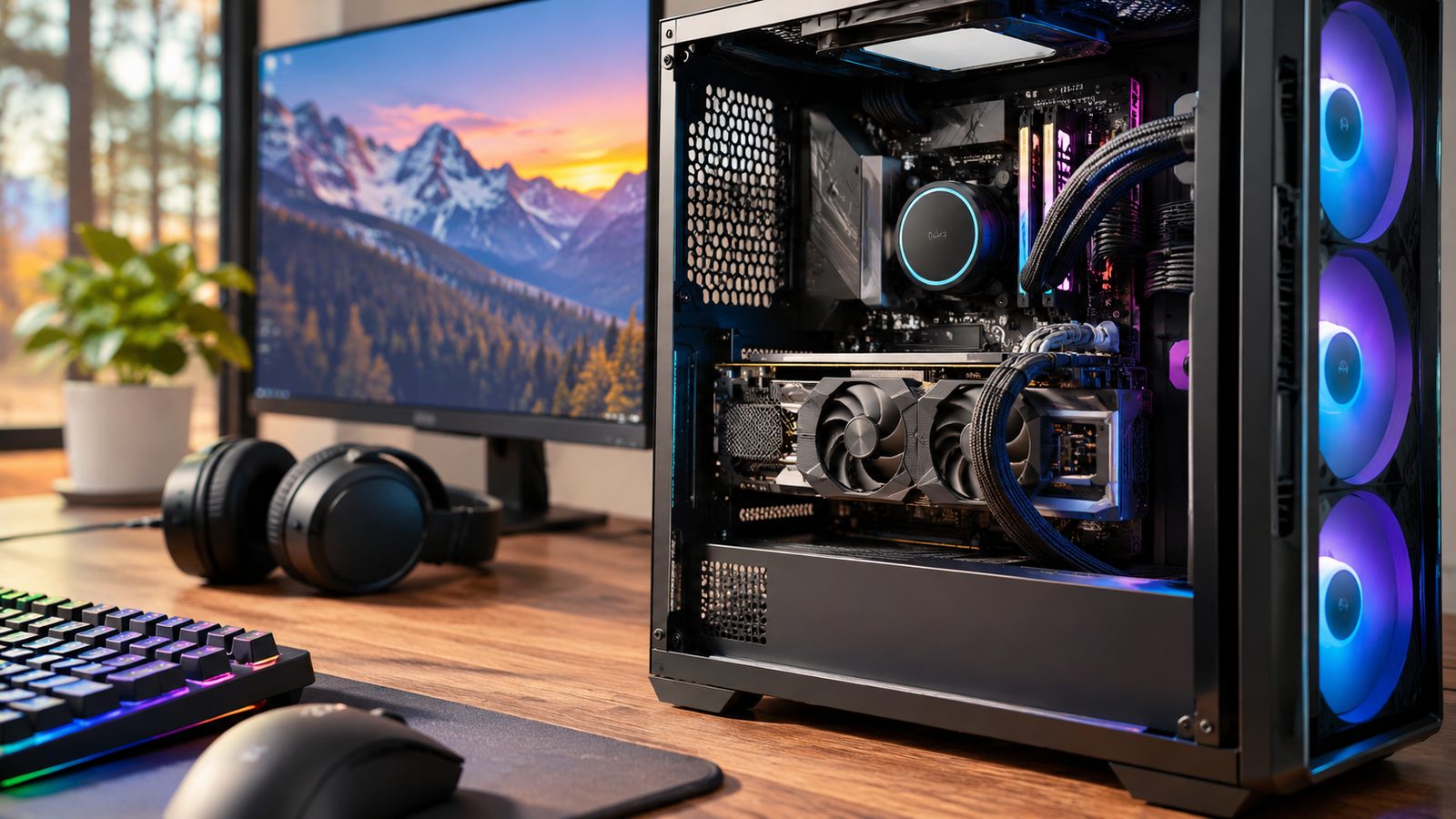
The graphics card is often the first suspect in a gaming desktop. Modern GPUs contain voltage-regulation circuitry that supplies controlled power to the processor and memory. Inductors within that circuitry can become audible during demanding or rapidly changing workloads. A power supply can produce a similar sound because it also contains magnetic power components. Corsair describes the sound as vibration caused by changing current and magnetic fields inside inductors. A PSU can therefore sound similar to a noisy graphics card. Motherboard voltage regulators can also create high-frequency electrical noise. Intel notes that a sound appearing near the processor may originate from motherboard inductors rather than the CPU itself. Laptops can produce similar noises because their compact power circuitry includes the same component types. Readers interested in related computer topics can browse MagBuff’s Tech coverage. The site’s Gaming section also provides additional PC and gaming context.
Why Menus and Loading Screens Can Make It Louder
A demanding game does not always create the loudest electrical noise. Simple menus or loading screens can allow a GPU to produce unusually high frame rates. That rapid workload can change current through the card’s power circuitry and make vibration more noticeable. PowerColor specifically notes that high, uncapped frame rates can make the sound prominent. Its guidance gives game menus and loading screens as common examples. Intel also recommends limiting frame rates when high-FPS workloads produce audible electrical noise. You can test this relationship without opening the computer. Watch what happens when you enable a frame limit or V-Sync. A major change in pitch or volume strongly suggests the sound follows GPU workload.
Is the Noise Harmful to Your PC?
Ordinary electrical whine does not usually damage a graphics card or shorten its useful life. Intel, MSI, Lenovo, and several hardware manufacturers describe it as normal component behavior. The system should otherwise remain stable and perform normally. That does not mean every buzzing sound should be ignored. A rattling, clicking, scraping, or grinding sound may come from a cooling fan instead. PowerColor advises treating persistent mechanical grinding as a possible fan-bearing issue. Stop using the system if you smell burning, see smoke, or hear sharp popping from the power supply. Unexpected shutdowns or serious electrical instability also deserve investigation. Do not open a PSU because dangerous voltages can remain inside its capacitors.
How to Identify the Source Safely
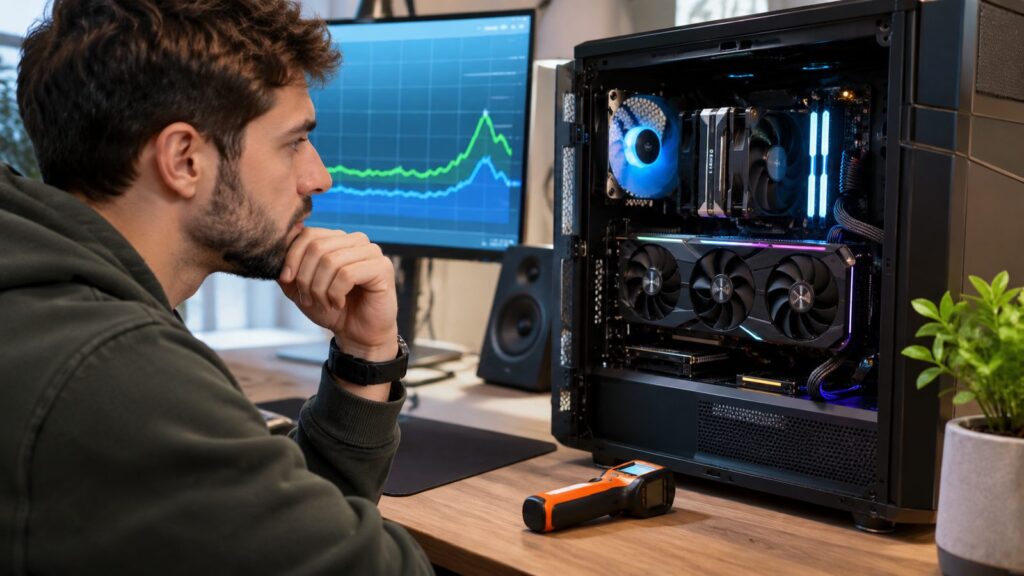
Sound can reflect around a metal case, making the source surprisingly difficult to locate. Test one change at a time and listen for a matching change in pitch. Never place fingers or tools near moving fans while the computer is running.
- Remove unnecessary background noise. Test in a quiet room with speakers muted.
- Change the GPU workload. Move between the desktop, a game, and a high-FPS menu.
- Apply an FPS cap. Listen for an immediate change in pitch or loudness.
- Check the GPU area. Listen near the graphics card without touching internal components.
- Check the PSU area. Listen near the external PSU exhaust or rear of the case.
- Rule out fans. Mechanical rattling usually changes with fan speed rather than frame rate.
- Record the behavior. A short video can help when contacting a retailer or manufacturer.
A laptop is harder to isolate because everything sits close together. You can still compare battery use, charging, gaming, idle operation, and different performance modes. MSI notes that laptop electrical noise can become easier to hear during CPU or GPU workloads.
How to Reduce Coil Whine
Start by limiting unnecessary frame rates. Set a sensible FPS cap through the game or graphics driver. V-Sync can also prevent the GPU from producing large numbers of unused frames. Lowering GPU power consumption can help in some systems. A modest power-limit reduction changes electrical load without requiring physical modifications. Undervolting can also reduce power draw, but use supported software and conservative settings. Return unstable settings to their defaults before testing further. An aggressive overclock can increase power demand and make diagnosis harder. Intel recommends reducing excessive GPU tuning when trying to control the sound. A different power supply can sometimes change the result because the GPU and PSU operate as one electrical system. Intel lists PSU replacement among possible troubleshooting steps for high-pitched system noise. A PSU swap is not guaranteed to silence a graphics card, so test with a known-good unit when practical. You can also test another properly grounded wall outlet. This test may help identify an unusual power-related interaction, although it is not a guaranteed fix. Avoid unsafe adapters or electrical modifications while troubleshooting. Some owners report that the sound becomes less noticeable after extended use. Manufacturer comments on this point are inconsistent, so “burn-in” should not be treated as a dependable repair. NZXT says the sound may change over time, while its newer guidance says not to rely on that outcome. Case design can reduce how much noise reaches your ears. Solid panels and appropriate acoustic material may dampen high-frequency sound. Do not block intake or exhaust paths because restricted airflow can increase temperatures. For other home technology troubleshooting, MagBuff also covers networking hardware, including its WiFi extender guide for home setups.
Warranty and RMA: Will a Manufacturer Replace the Part?
Many manufacturers do not treat coil whine alone as a product defect. Lenovo, MSI, PowerColor, and NZXT all publish guidance describing the phenomenon as normal behavior. NZXT specifically states that the sound alone is not grounds for replacement under its cited warranty policy. That does not create one universal rule for every graphics card or computer. Retailer return policies and manufacturer warranty terms vary by product, region, and seller. Check the exact policy covering your specific hardware before assuming an RMA will be accepted. Document an unusually intrusive noise before contacting support. Record when it happens, which workload triggers it, and whether an FPS cap changes it. Clear evidence gives support staff better information when reviewing your case.
Frequently Asked Questions
Can coil whine damage a graphics card?
The sound by itself normally does not indicate damage. Major hardware vendors state that ordinary inductor noise does not affect normal graphics-card functionality. Investigate further if the computer also crashes, shuts down, smells burned, or behaves abnormally.
Why does my GPU squeal only in game menus?
Menus can run at far higher frame rates than normal gameplay. That changes the electrical workload on the graphics card’s power-delivery components. Setting a frame limit often makes this relationship easy to confirm.
Can a power supply cause the noise?
Yes, a PSU contains inductors and transformers that can produce audible vibration. It can also be difficult to distinguish PSU noise from a nearby graphics card. Listen from outside the case and compare how the sound responds to changing workloads.
Will replacing the PSU fix it?
A different PSU can alter electrical behavior and sometimes change the sound. It may also make no meaningful difference if the graphics card is the main source. Test with a suitable known-good unit before buying a replacement solely for noise reduction.
Does undervolting help?
It can help because undervolting may reduce GPU power consumption and change the electrical load. Results vary between individual cards, workloads, and power supplies. Keep settings conservative and verify stability after every change.
Should I return a new graphics card because it squeals?
First confirm that the sound is electrical rather than mechanical. Then check the retailer’s return window and the manufacturer’s warranty terms. If the noise is intolerable, an exchange during a valid return period may offer more flexibility than a warranty claim.
The Bottom Line
A high-pitched PC squeal can sound alarming even when the hardware is operating normally. The best first tests are an FPS cap, V-Sync, and careful source identification. Those steps can reveal whether the sound tracks GPU load without opening or modifying hardware. Power limits, conservative undervolting, case dampening, or a different PSU may reduce the problem. None of these methods guarantees silence because individual components behave differently. Treat claims about permanent “burn-in” fixes cautiously because evidence remains inconsistent. Pay attention when the sound comes with other warning signs. Burning smells, smoke, popping, shutdowns, or grinding deserve immediate investigation. If the system remains stable, the noise is usually an acoustic annoyance rather than a failure. —